Writedown Cyber Monogram background
NEW Local Filesystem Sync for VS Code & AI Workflows

The private Markdown workspace for developer & AI workflows.

Encrypted cloud sync for Markdown files that project as real local files on desktop. Write in WYSIWYG or raw source — fully compatible with VS Code, Claude Code, and your daily compiler tools.
Zero-Knowledge Architecture Inspect Security Specs  →
https://writedown.io/docs
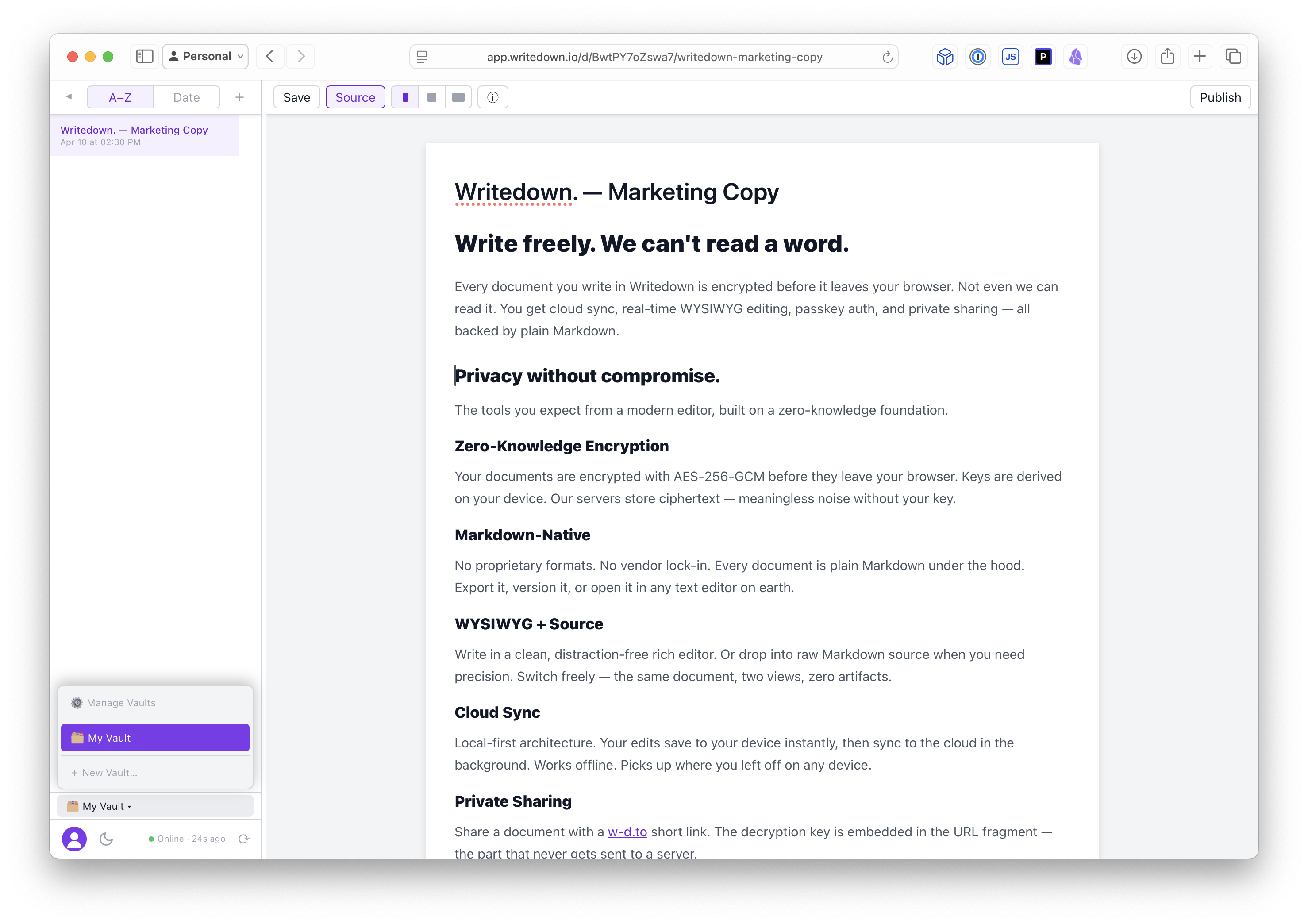
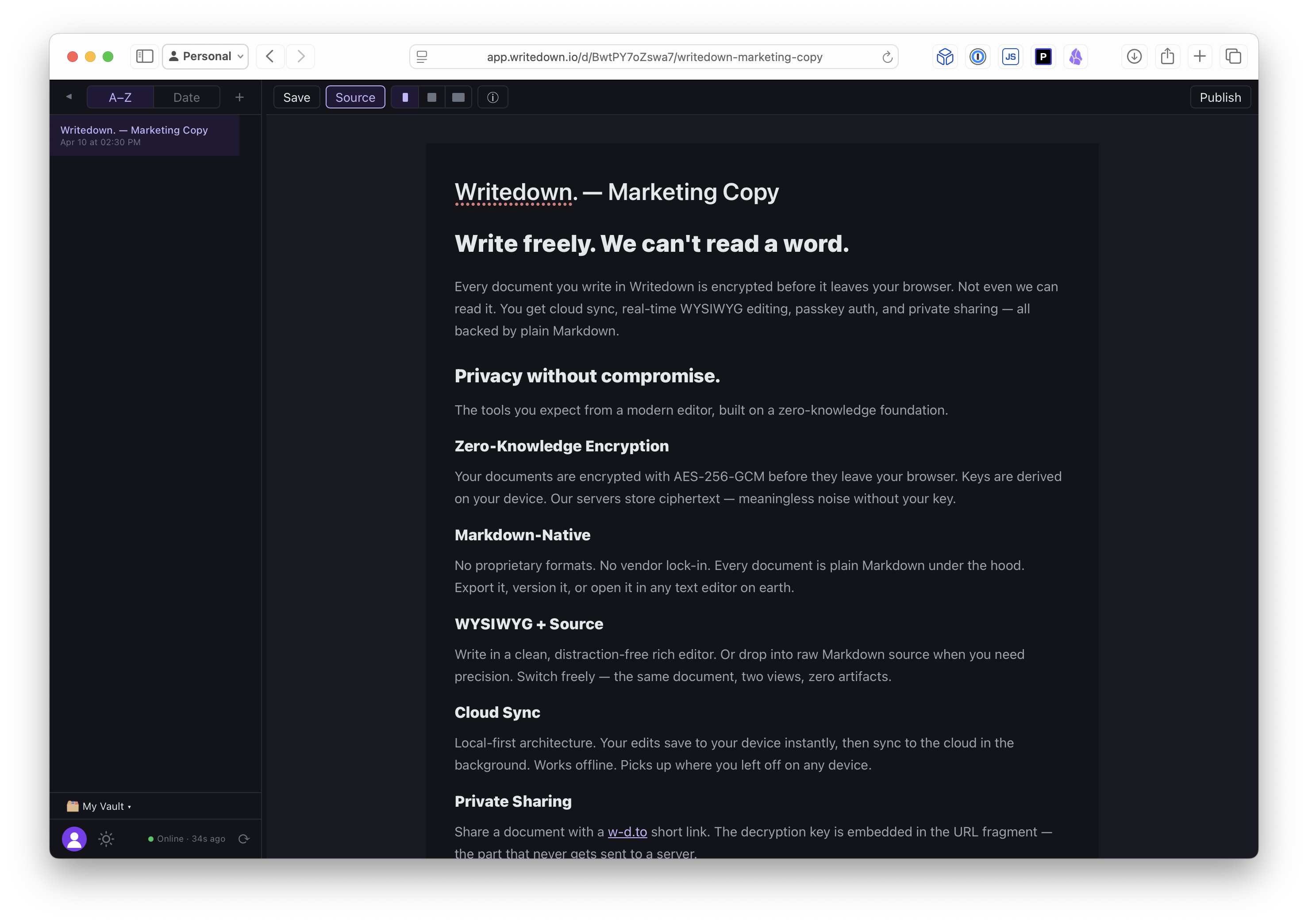
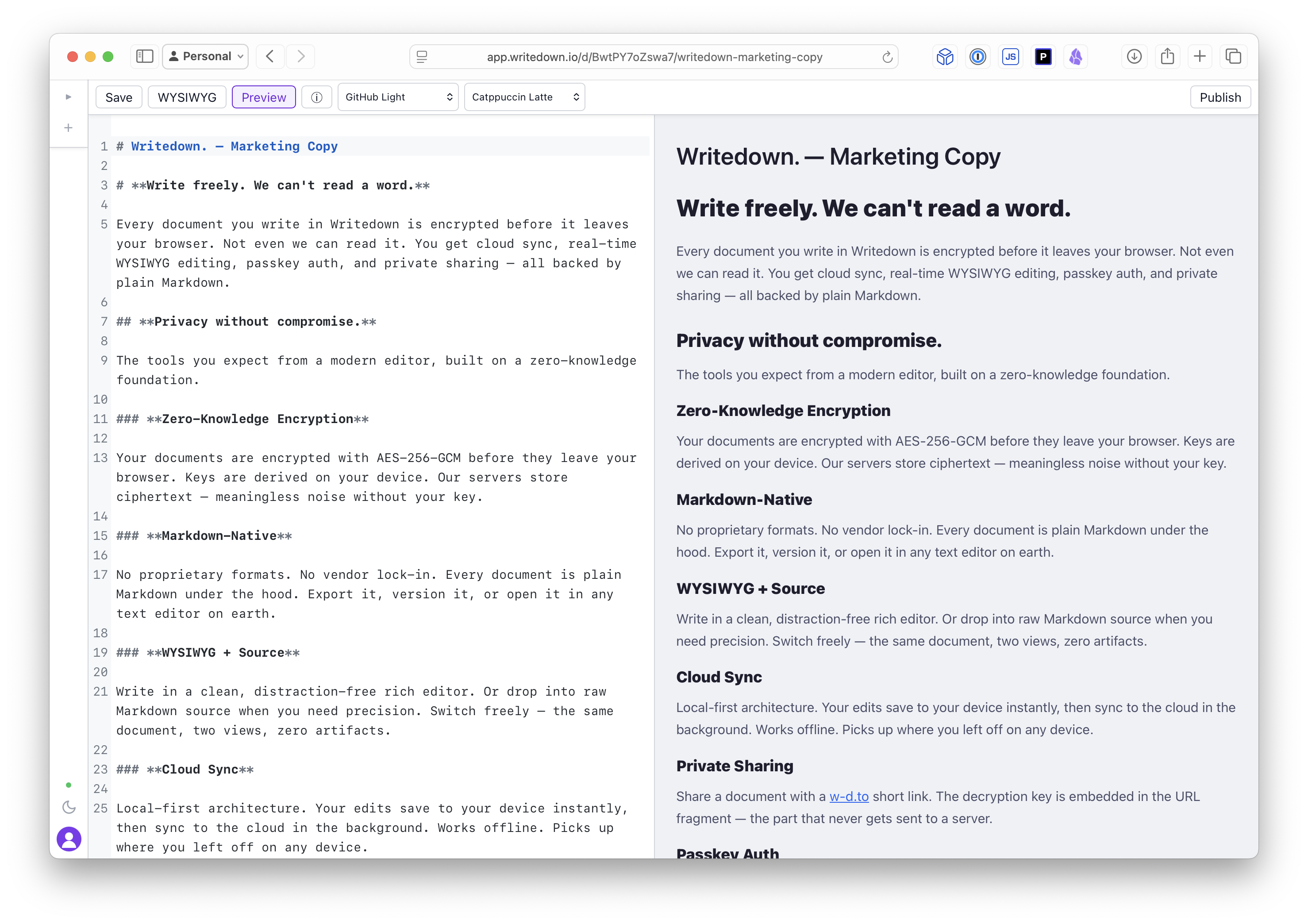
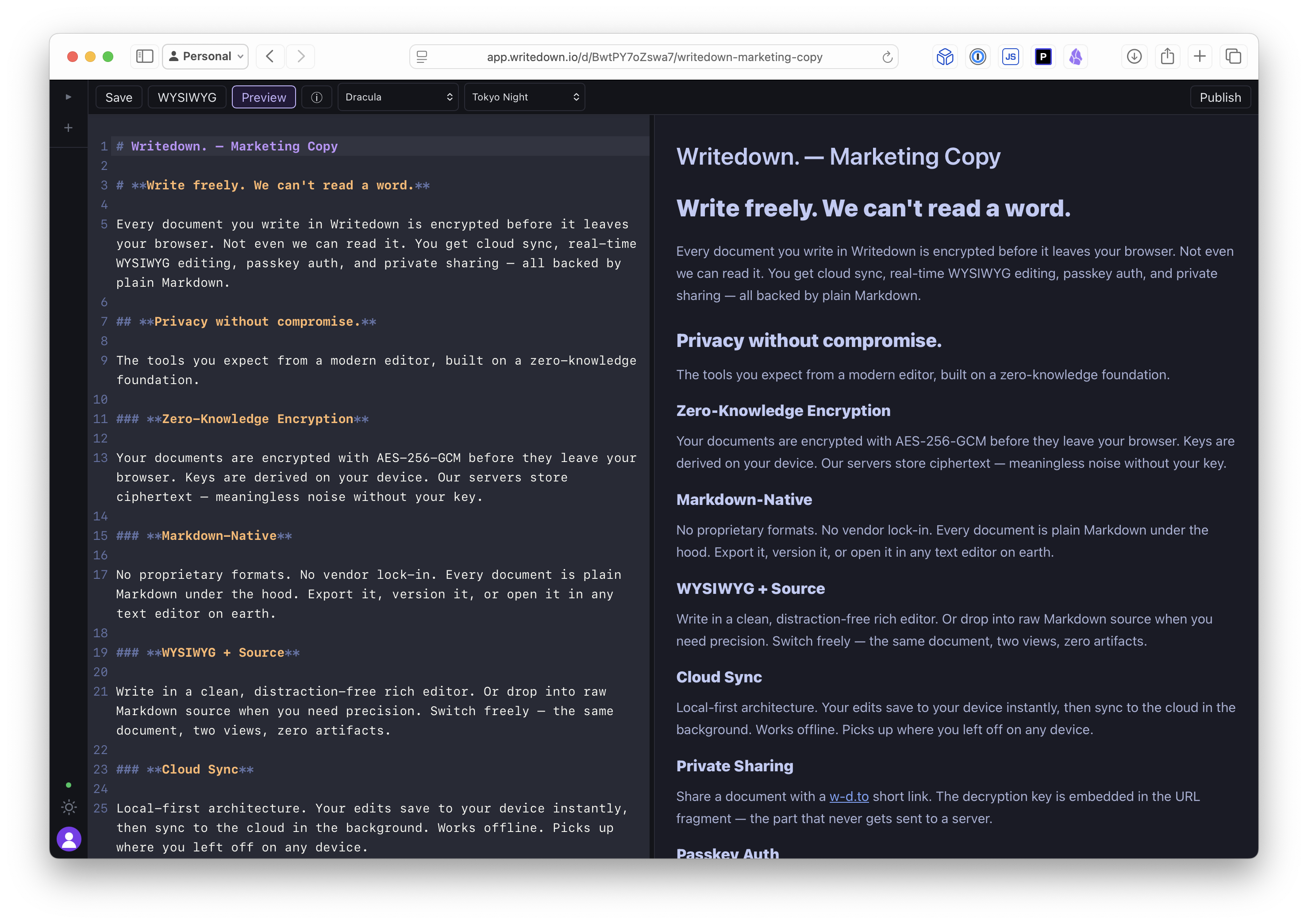
Writedown Workspace - File Explorer Writedown Workspace - Side-by-side editing Writedown Workspace - Markdown source editor Writedown Workspace - Vault location chooser Writedown Workspace - Security key authorization Writedown Workspace - Sharing encrypted link dialog Writedown Workspace - VS Code integration setup

Decentralized & Secure Workflow Pillars

Privacy without productivity compromise.

Writedown pairs the zero-knowledge security you expect with the modern integration workflows required by active developer and engineering setups.

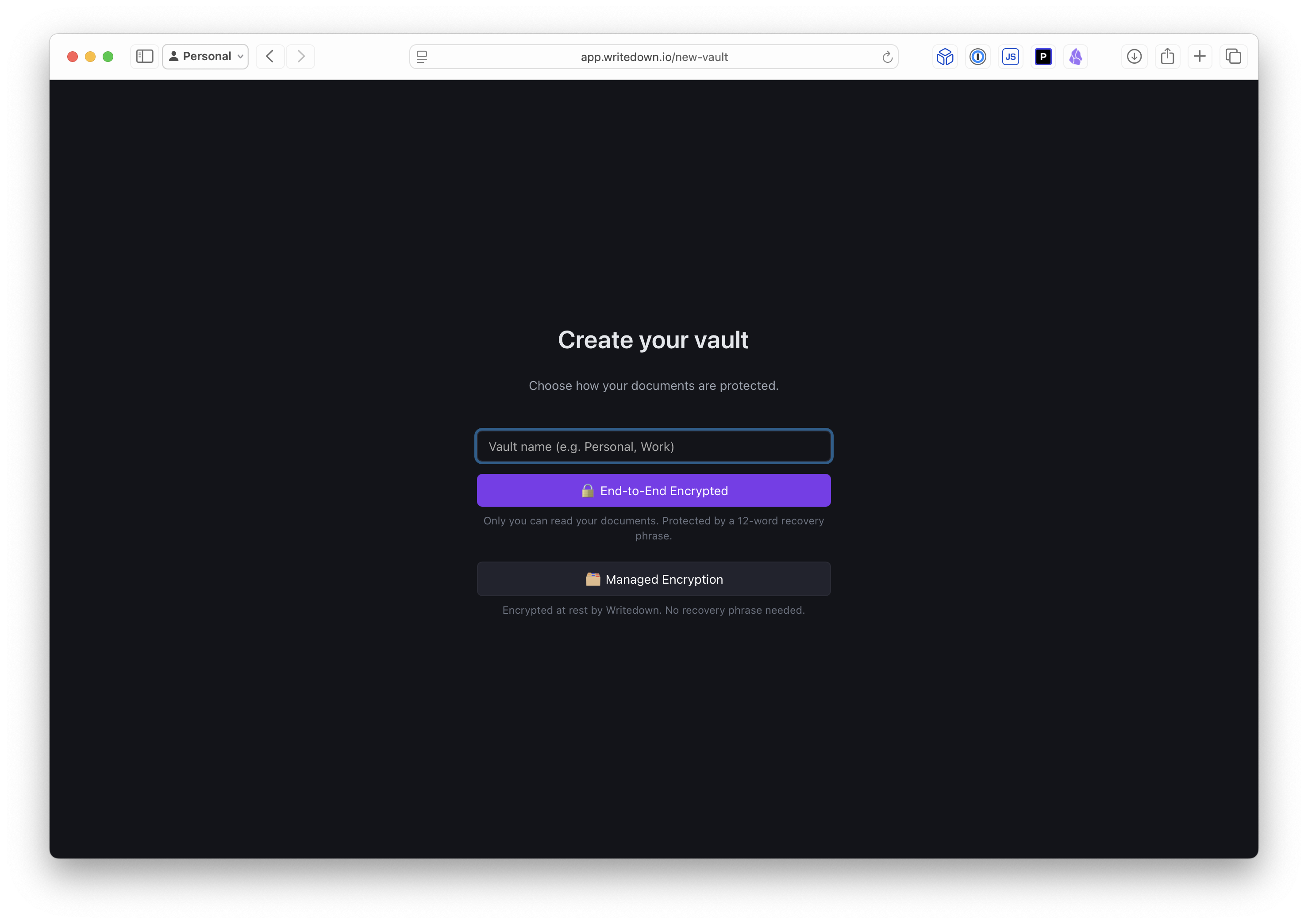
Flexible Encryption Bounds

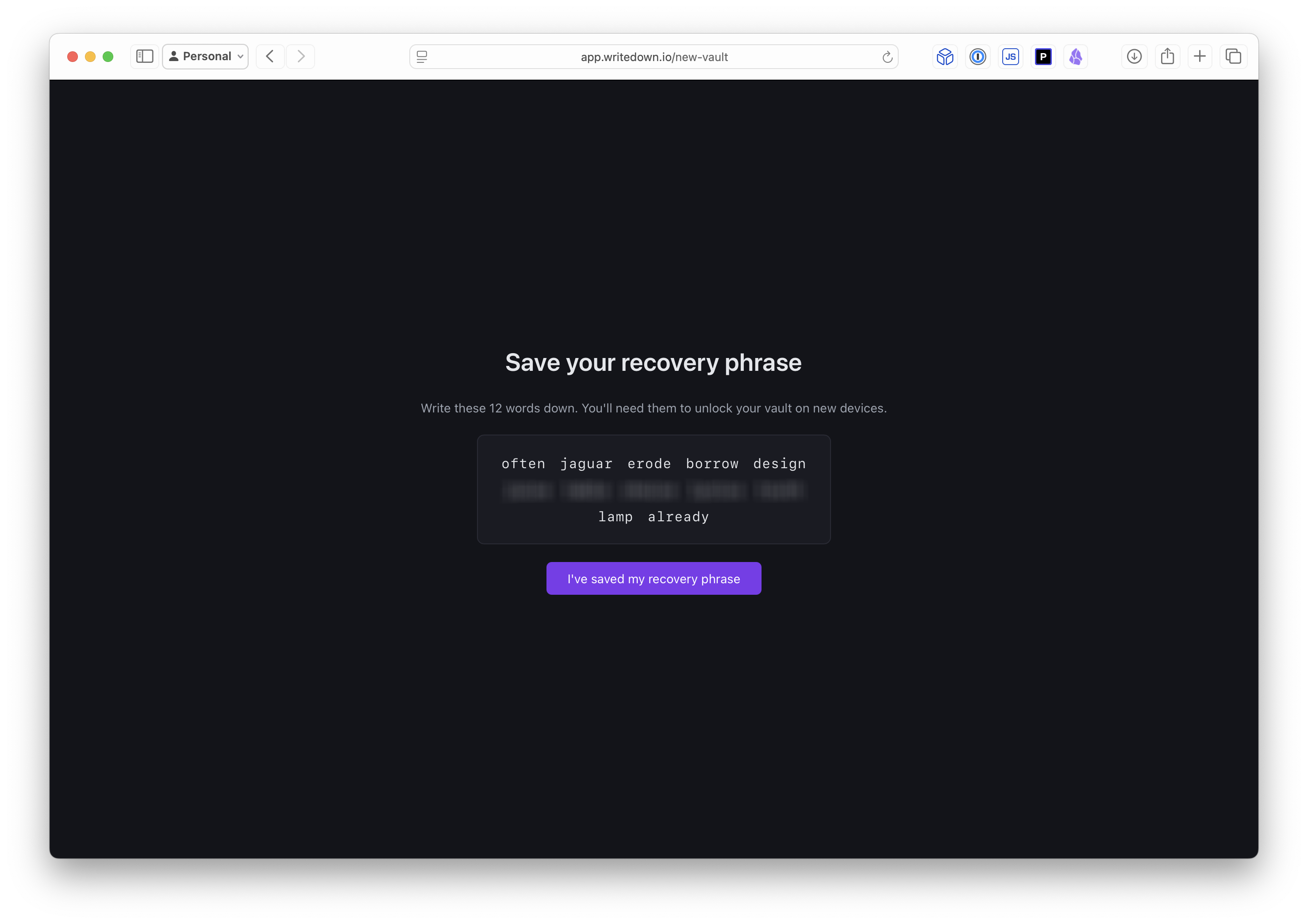
E2EE Vaults provide true zero-knowledge privacy. Security keys are derived locally via Argon2id from a recovery phrase and hardware seed, wrapped safely inside Web Workers.

Managed Vaults utilize encrypted key recovery managed by AWS KMS, allowing seamless onboarding and account recovery without losing standard encryption integrity.

Strictly Markdown-Native

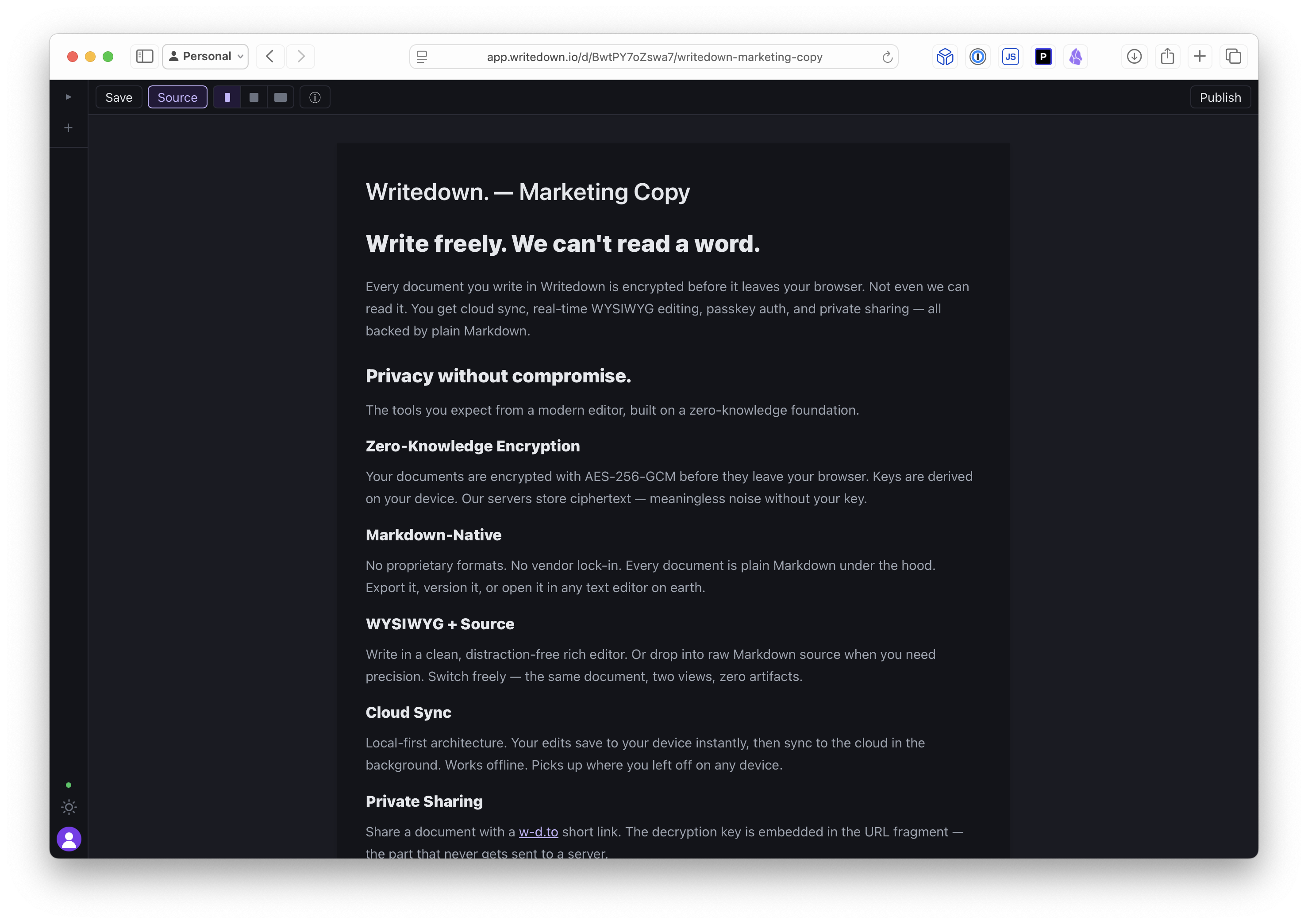
No proprietary formats, SQL bloat, or lock-in. Every file is structured as pure Markdown under the hood. Export, version control via Git, or open in any plain text compiler instantly.

Dual WYSIWYG & Source

Compose in a clean, visual rich-text layout using block editing or toggle immediately into side-by-side Markdown source when editing precision is required. Two perspectives, zero artifacts.

Local-First & Cloud Sync

Your notes reside locally first in IndexedDB via Dexie.js for instant, offline editing. When connected, changes sync to secure cloud vaults silently in a background worker loop.

Secure w-d.to Sharing

Publish documents using brief share links. The AES decryption key is appended as a URL hash fragment, meaning it resides solely in the client and is never transmitted to our servers.

Passkey Authentication Coming Soon!

Log in utilizing biometric checks like FaceID, TouchID, or security keys via WebAuthn. This passwordless setup ensures protection against phishing and key interception vectors.

Choose your trust boundaries.

Decide where you draw the security perimeter. Whether you require absolute E2EE math or server-assisted key management, all data is encrypted via client-side AES-256-GCM.

Zero-Knowledge E2EE

True E2EE
1

Content Encryption Key (CEK)

A random 256-bit AES key is generated on your device to encrypt all vault data. The CEK never leaves your browser cleartext.

2

Master Key Derivation

A master key is derived from a 12-word recovery phrase using Argon2id. The derived key wraps the CEK for remote recovery backup.

3

In-Memory Session Keys

Daily sessions cache keys strictly in-memory (never in IndexedDB or localStorage). The moment you lock the vault or close the tab, all decryption keys are completely purged from device memory.

Managed Encryption

Cloud KMS
1

Browser Key Generation

A 256-bit AES key is generated locally at vault creation. Data is encrypted inside browser threads using Web Crypto.

2

AWS KMS Key Protection

Your vault CEK is wrapped and stored using AWS Key Management Service (KMS), providing hardware-backed envelope encryption.

3

Managed Session Recovery

Access keys are recovered upon successful identity authentication. Simpler onboarding, omitting the risk of recovery phrase loss.

Frequently Asked Questions

Detailed explanations on Writedown's local directory sync, security borders, and dev tools.

How does local filesystem sync work?

Writedown operates a lightweight local background daemon on your desktop. When you authenticate and unlock an E2EE vault in the application, the daemon decrypts files in-memory and projects them as real local files in a designated local directory. You can edit these files using VS Code, Claude Code, or command-line scripts. The moment you lock the vault or log out, the local folder is securely wiped, leaving only encrypted ciphertext in your secure cloud storage.

Where is my document data stored?

Writedown saves document databases locally inside IndexedDB via Dexie.js for instant access. Syncing backs up encrypted files to private, version-controlled cloud storage. In E2EE mode, cloud storage only stores AES-256-GCM encrypted chunks. In Managed mode, vault keys are stored securely using AWS KMS. The KMS key is a client-specific key protected directly by your account credentials via Cognito identity policies, meaning decryption can only be initiated within your active authenticated session.

How does the VS Code integration assist AI workflows?

Our VS Code extension lets you browse and search private Markdown notes within your IDE. It features prompt context bundling, allowing you to select several specification files, notes, or code documentation snippets from your vaults, compile them into an optimized Markdown context payload with automatic token metrics, and inject them into tools like Claude Code or local LLMs.

Is there a mobile application available?

Yes. Writedown includes a responsive web layout that functions as an offline Progressive Web App (PWA). Native iOS and Android applications supporting hardware seed authorization are currently in active beta testing for waitlist members.

Does Writedown work offline?

No, Writedown currently requires an active internet connection to authenticate and synchronize your vaults. Offline-first editing (caching updates locally in your browser's IndexedDB and syncing when reconnecting) is on our product roadmap.

What happens to my data if I decide to stop using Writedown?

Because Writedown is Markdown-native, there are no proprietary formats. If you use our local filesystem sync, your files are already plain .md documents stored in a standard local directory on your hard drive. You can also export your entire vault as a ZIP file containing standard Markdown documents at any time from our app settings, meaning you are never locked into our platform.

Does Writedown support collaborative editing?

Not yet, but it's on our roadmap. Please send us feedback if you want this feature to get prioritized, along with potential use cases if you're comfortable sharing ideas.

How do image assets work in Markdown?

Writedown supports standard relative Markdown image paths (e.g., ![](./assets/image.png)). You can drag and drop images directly into the editor; they are automatically saved into an assets folder within your vault, encrypted alongside your text, and synchronized to your secure vault. When using our local filesystem sync daemon, the images project on your computer as standard files, allowing your local editor previews (like VS Code) to display them automatically.